Project Summary
Real-time data pipeline using AWS Kinesis, Lambda, and DynamoDB to process streaming data
In this project, I built a real-time data pipeline using AWS Kinesis, Lambda, and DynamoDB to simulate how the TELEMAX company collects and processes network device data.
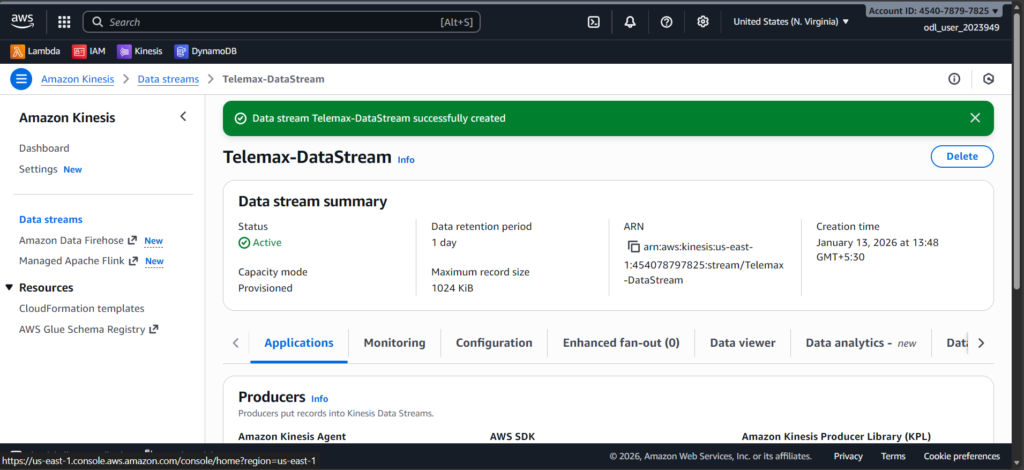
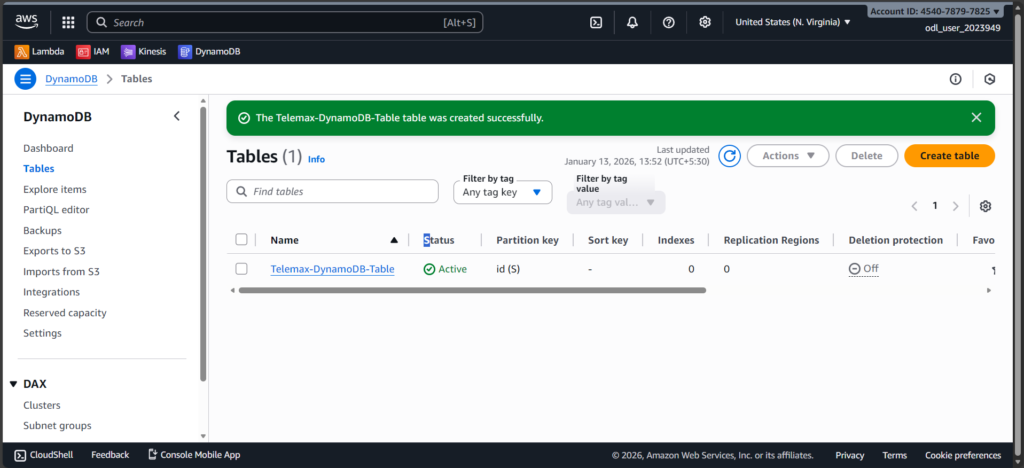
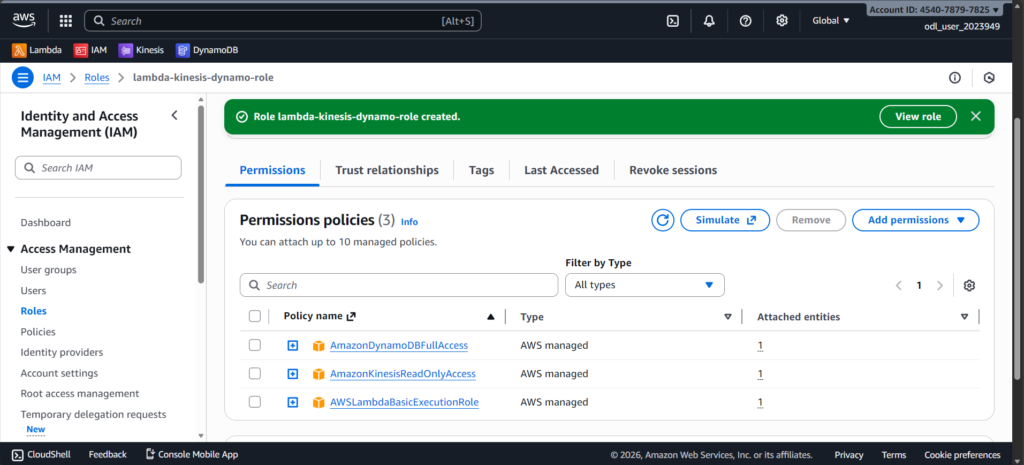
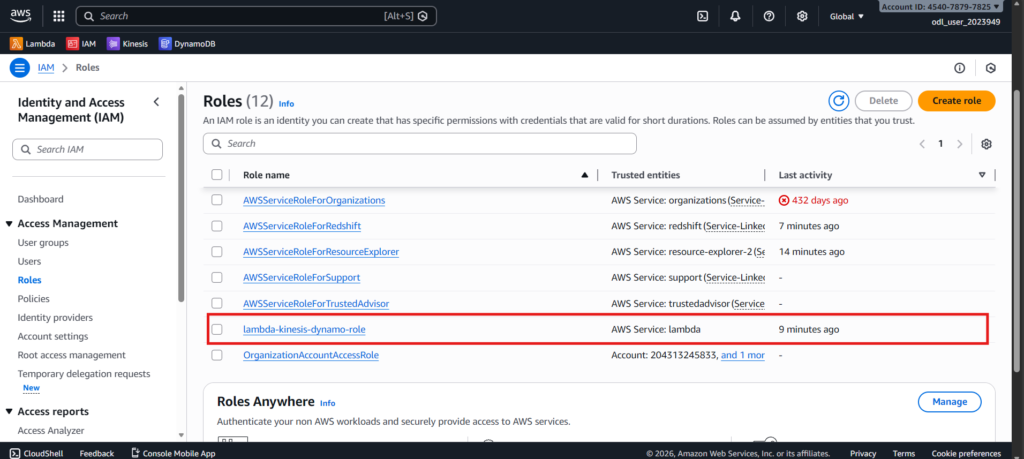
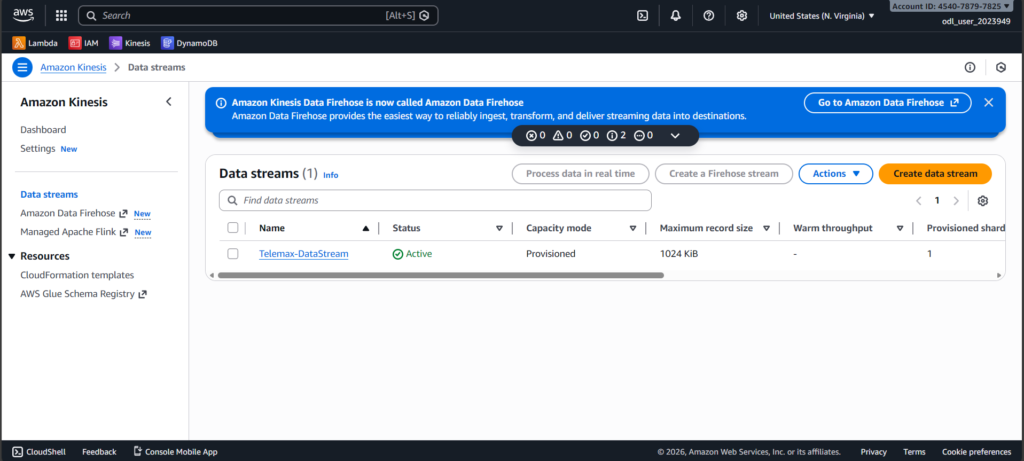
First, I created a Kinesis Data Stream to receive live incoming data. Then I created a DynamoDB table named Telemax-DynamoDB-Table to store the processed information. I also created an IAM role to give Lambda permission to read from Kinesis and write to DynamoDB.
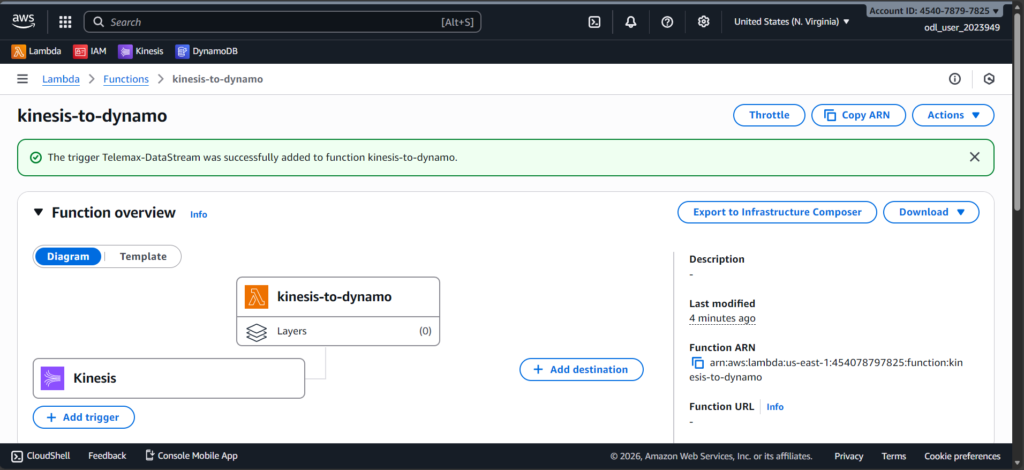
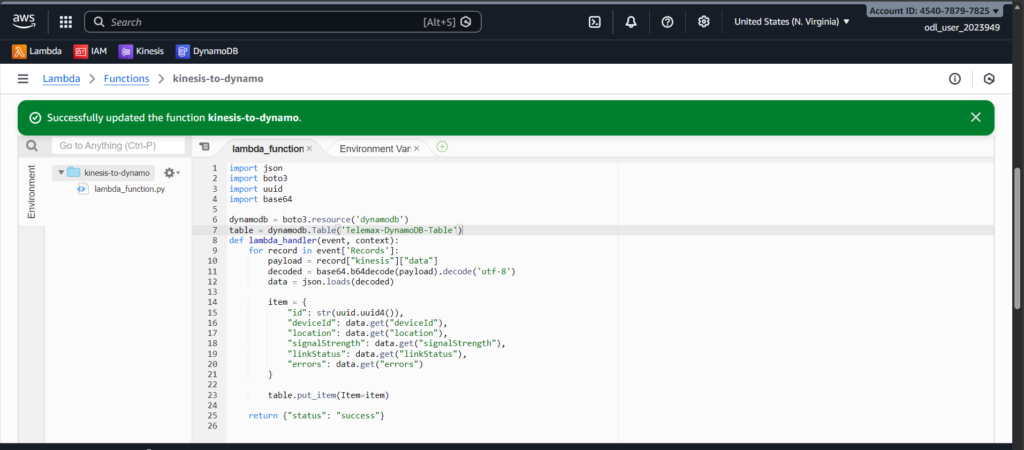
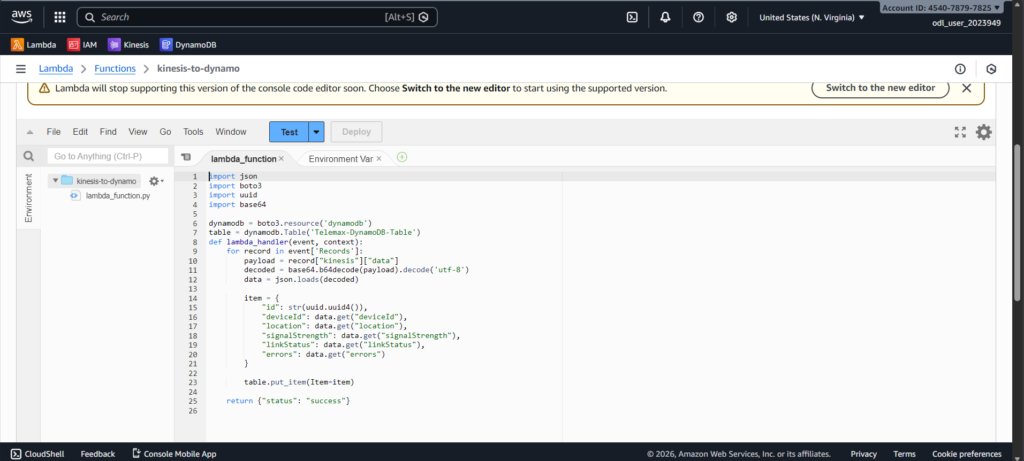
Next, I created a Lambda function that automatically triggers whenever new data enters the Kinesis stream. The Lambda function decodes the base64 input, converts it into normal JSON, adds a unique ID, and inserts it into DynamoDB.
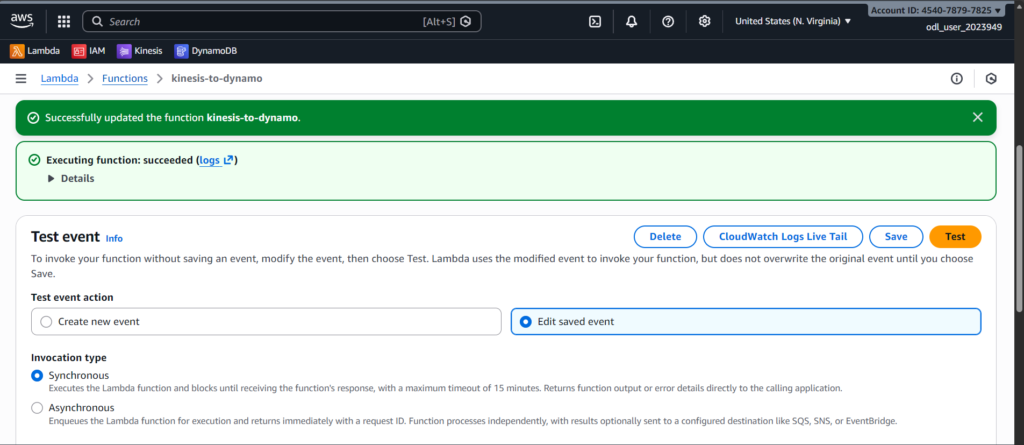
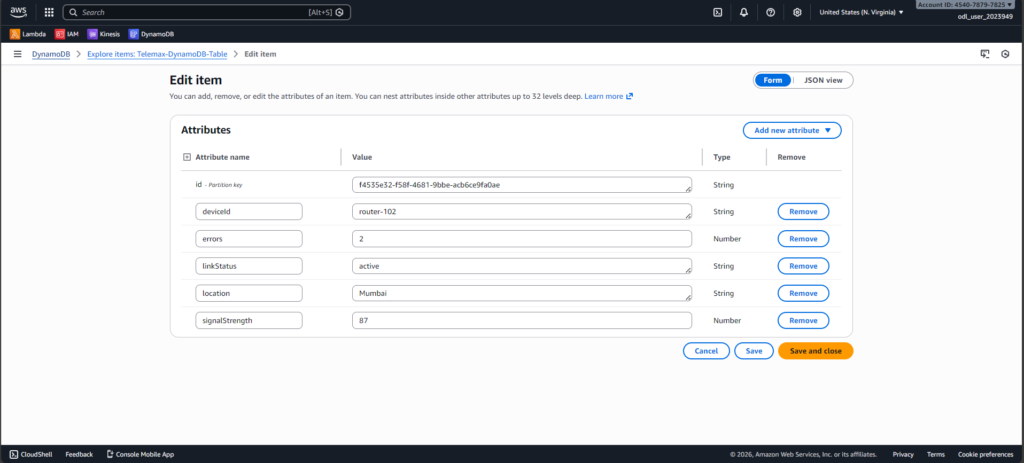
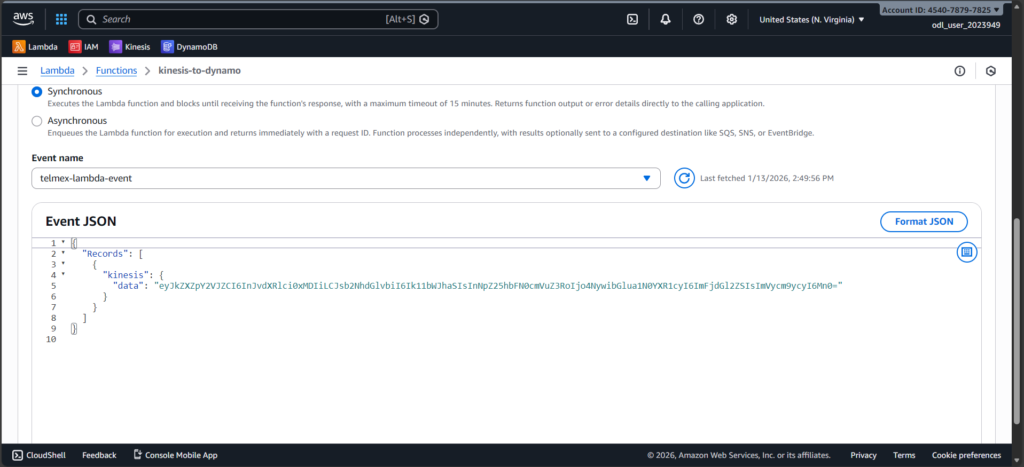
To test the system, I prepared sample TELEMAX device data, encoded it in base64, and ran it through the Lambda test event. After execution, I went to DynamoDB, used Explore Items, clicked Scan, and confirmed the data was stored correctly.
Steps I Performed
1. Created a Kinesis Data Stream
I started by creating a Kinesis stream to receive live incoming data. This stream acts like a pipeline that carries real-time data from devices into AWS.
2. Created a DynamoDB Table
I created a DynamoDB table (Telemax-DynamoDB-Table) to store the processed output. This table keeps each record using a unique ID.
3. Created an IAM Role for Lambda
I created an IAM role that gives Lambda permission to read from Kinesis, write to DynamoDB, and generate logs. Without this role, Lambda wouldn’t have access to these services.
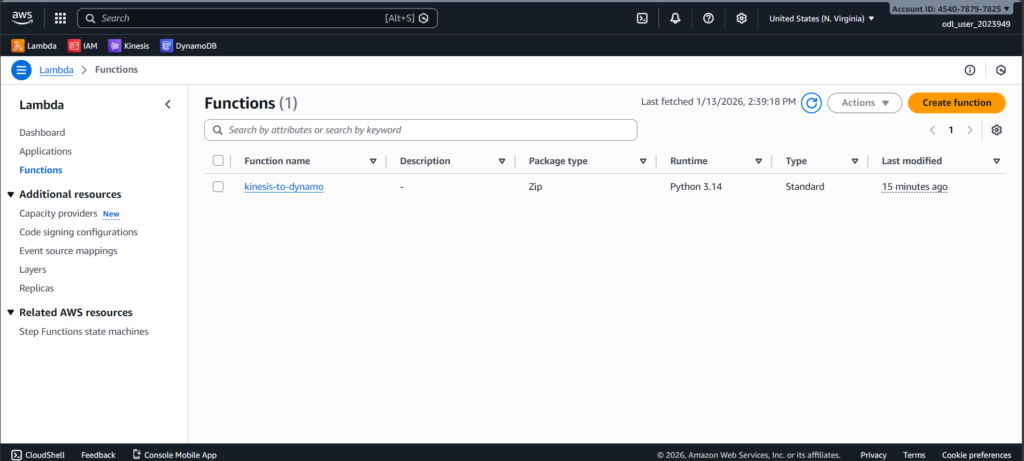
4. Created a Lambda Function
I built a Lambda function that automatically processes Kinesis data. The function decodes base64 input, converts it into JSON, adds a unique ID, and writes it to DynamoDB.
5. Connected Kinesis Stream to Lambda
I added the Kinesis stream as a trigger for the Lambda function. This makes Lambda run automatically whenever new data arrives in the stream.
6. Prepared and Tested Sample Data
I created sample TELEMAX device data, encoded it in base64, wrapped it in a Kinesis event JSON structure, and tested the Lambda function using the AWS console. This simulated real incoming data.
7. Verified Data in DynamoDB
I opened DynamoDB → Explore Items → clicked Scan, and confirmed that the processed data was stored correctly in the table. This proved the end-to-end pipeline was working.