Anirudha H. Chitte
AZ-104 Project: Implement Azure IaaS
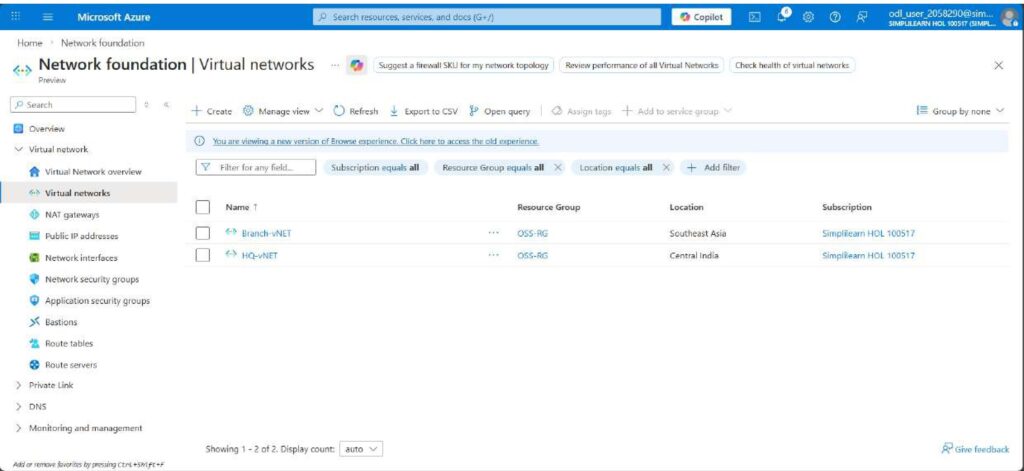
First, I created a Virtual Network named HQ-VNet in the Central India region with the address space 10.0.0.0/16 and configured a subnet 10.0.1.0/24.
Next, I created another Virtual Network named Branch-VNet in the Southeast Asia region with the address space 10.1.0.0/16 and a subnet 10.1.1.0/24, ensuring that both VNets had non-overlapping IP ranges.
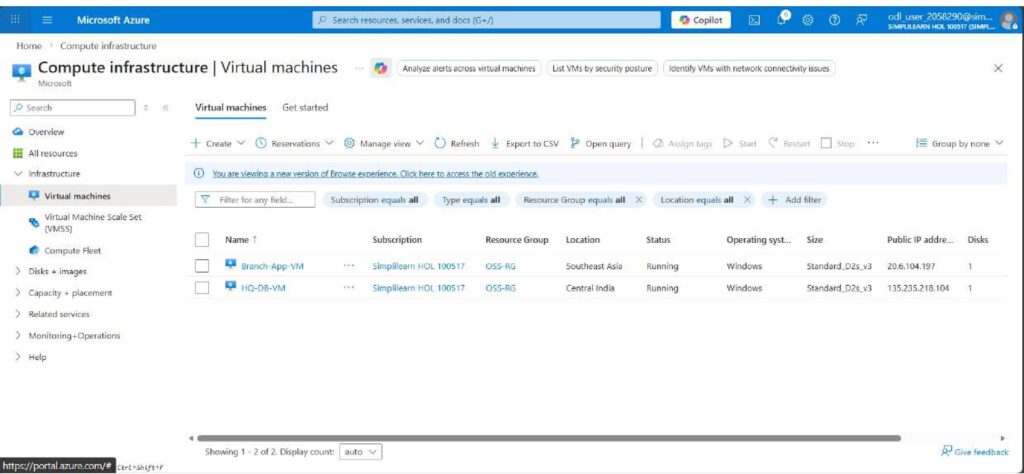
After creating the virtual networks, I deployed a Standard DS1 v2 virtual machine named HQ-DB-VM inside the HQ-VNet and another Standard DS1 v2 virtual machine named Branch-App-VM inside the Branch-VNet.
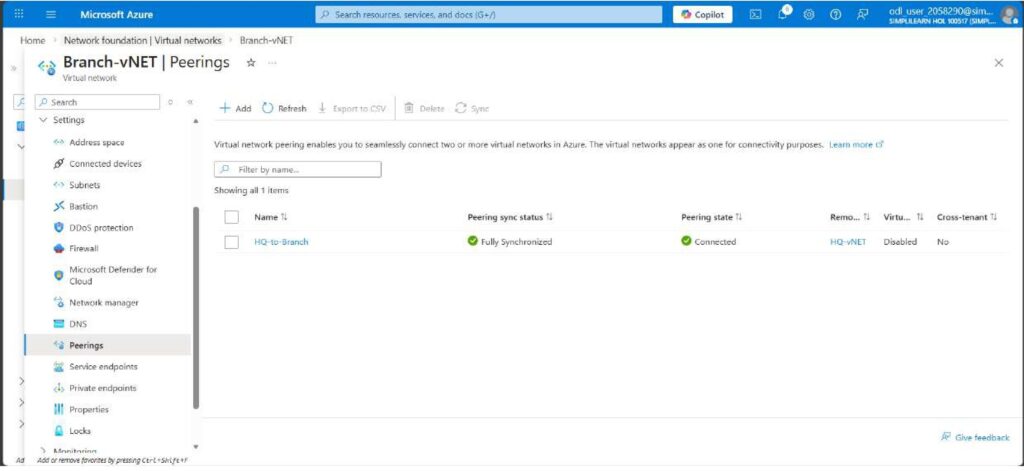
Then, I configured Global VNet Peering between HQ-VNet and Branch-VNet to enable private communication between both networks.
I enabled virtual network access and forwarded traffic in the peering settings to allow proper connectivity.
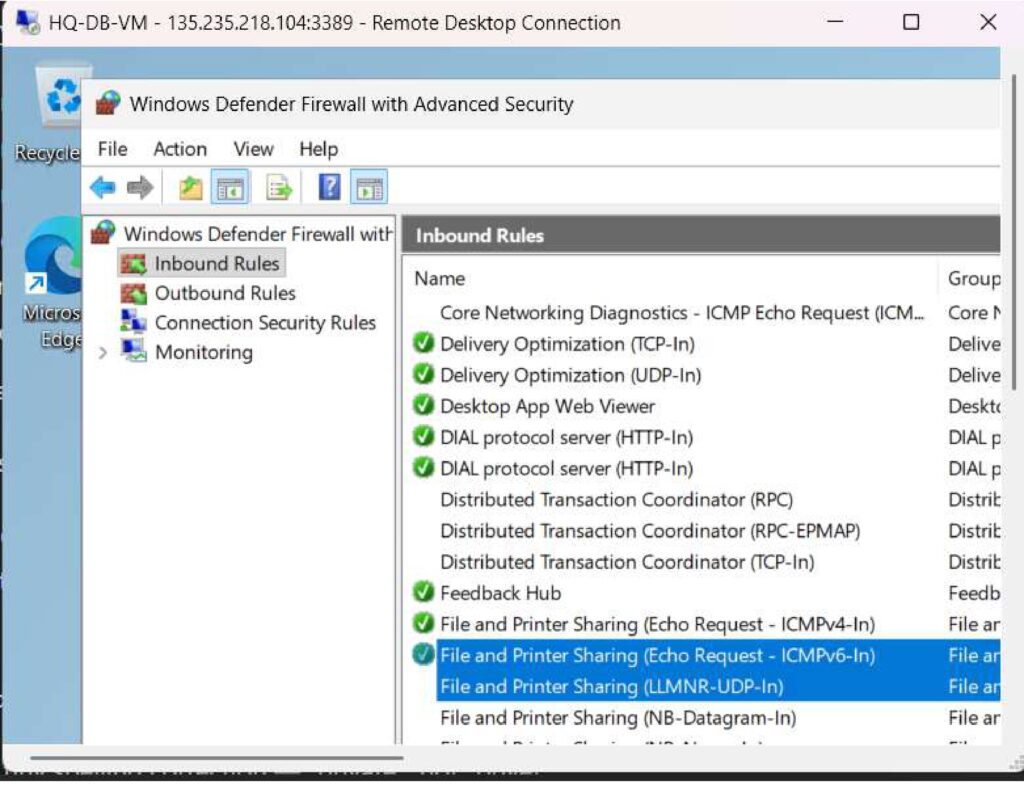
To test the connection, I enabled the ICMP (ping) rule in Windows Firewall on both virtual machines.
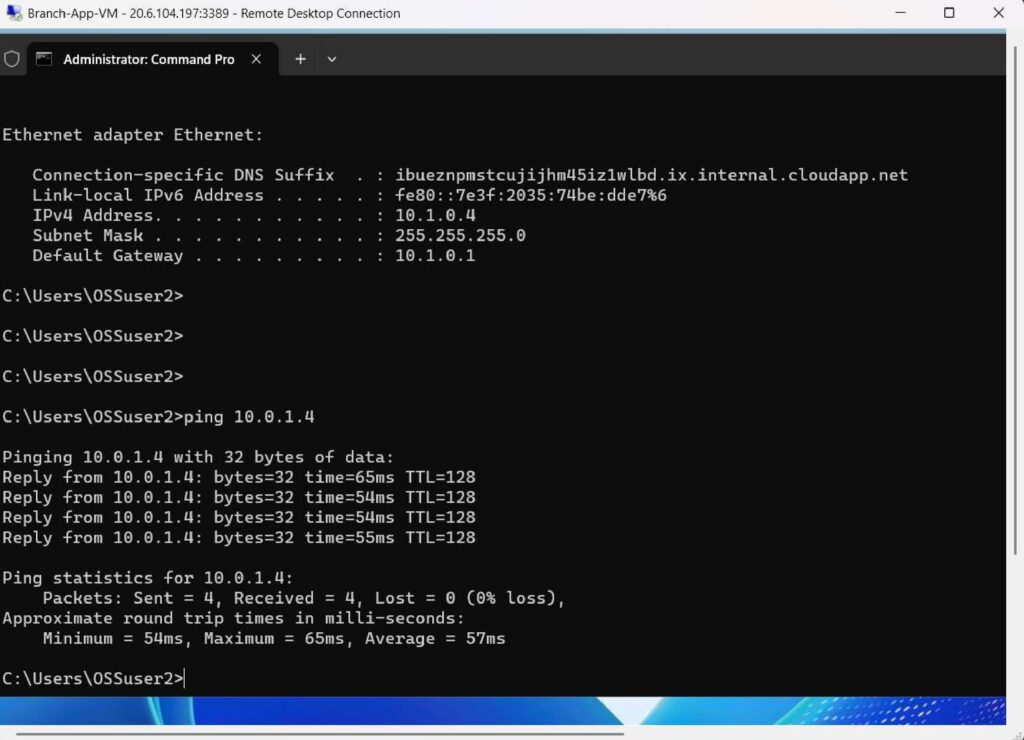
Finally, I tested connectivity by pinging the private IP address of HQ-DB-VM from Branch-App-VM and successfully verified communication with 0% packet loss.